Displays · 5 min read
Vivid vs Tegaro
Tegaro is better for compatible brightness boost plus resolution and other Mac tools. Vivid is better when dedicated XDR brightness control is your main need.
Vivid specialises in brightness boosting for supported MacBook Pro XDR displays. Tegaro offers compatible EDR brightness above 100% in Pro plus free everyday display controls and the rest of its Mac toolkit.
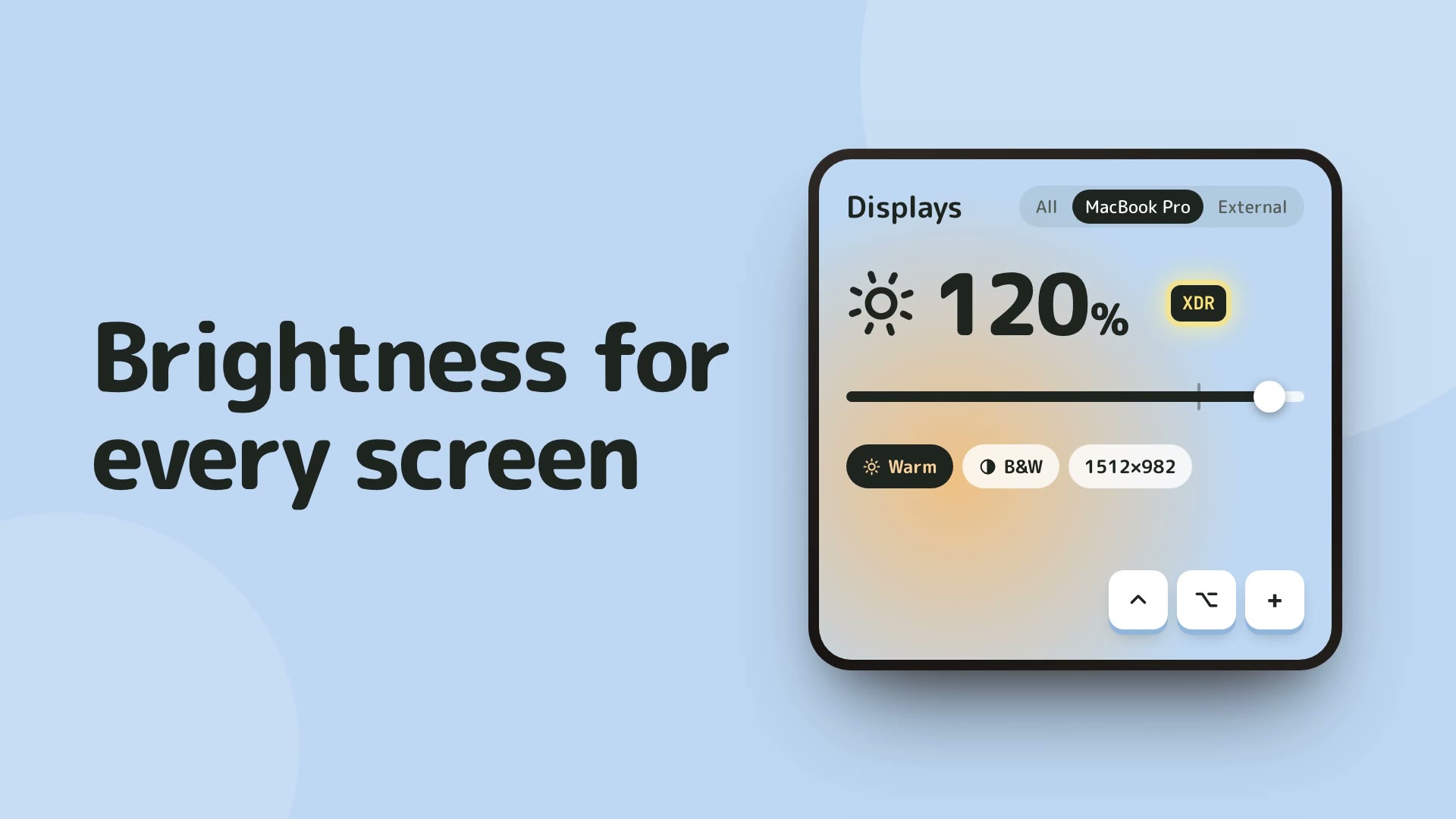
Vivid is the focused choice when brightness boosting on supported 14-inch or 16-inch MacBook Pro XDR hardware is the job. Tegaro fits when compatible EDR brightness above 100% in Pro belongs beside free display controls and other local Mac tools; hardware limits still apply to both.
Hardware-bound boost
Both workflows depend on supported display hardware; neither can add XDR capability to unsupported screens.
EDR in the suite
Tegaro Pro supports compatible brightness above 100%.
Everyday display tools
Tegaro also keeps normal brightness, resolution and Dock controls in the suite.
At a glance
| Capability | Vivid | Tegaro |
|---|---|---|
| Brightness boost Hardware support limits both products. | Dedicated boost workflow for supported XDR hardware | Compatible EDR brightness above 100% in Pro |
| Supported hardware Verify your model before purchase or migration. | Supported 14-inch and 16-inch MacBook Pro XDR displays | Compatible displays only |
| Normal brightness EDR boost is separate from normal brightness. | Brightness-focused app | Supported normal brightness controls remain free |
| Resolution and Dock mirror Tegaro includes broader display utilities. | Not its primary comparison point | Supported resolution controls and Dock mirror |
| Other Mac tools Tegaro is a multi-tool app. | Dedicated display-brightness focus | Typing, clipboard, screenshots, dictation, power and Disk |
| Hardware limit Neither product changes physical panel capability. | Cannot overcome unsupported display hardware | Cannot overcome unsupported display hardware |
When to Choose Vivid
Owners of supported 14-inch or 16-inch MacBook Pro XDR hardware whose main need is a dedicated brightness-boost workflow.
When to Choose Tegaro
People who want compatible EDR brightness in Pro together with free normal display brightness, resolution, Dock controls and other local tools.
Tegaro tools, one icon
Typing · Clipboard · Screenshots · Dictation · Displays · Power · Disk · Sound · AI Usage · Critter
Current Tegaro access
Try every Pro tool for 14 days without a card or account. Afterward, Free keeps Classic, Cat and Dog, Power, Sound, AI Usage, normal Displays and Disk analysis; it includes 100 successful automatic layout fixes per calendar month and 2,000 delivered dictation words per Monday-starting week. Pro unlocks Clipboard, Screenshots, Disk cleanup and app removal, unlimited layout automation and dictation, more critters and compatible EDR brightness. A $100 lifetime license covers one person on up to three Macs.
Pricing and terms: Vivid
€10 personal, €40 for five devices or €60 for ten devices
Tegaro: 14-day trial; Pro is $1.99 for the first month, then $4.99/month, $29.99/year, or $100 lifetime for one license on up to three Macs. Post-trial module access varies by module. Vivid pricing is sourced from its official page.
Offers: Vivid
No public promotion verified; check the official checkout for current offers.
Tegaro trial offer
Eligible trial users may receive a one-time 30% annual or lifetime offer valid for 48 hours. It is optional, not a promised public price.
Privacy and footprint
Compare Vivid's official documentation with Tegaro's module details before changing permissions or replacing a working setup.
Native macOS app built with Swift.
Core typing, copied-content and downloaded-model dictation workflows stay local. Licensing, optional renewal lookups, model downloads, opted-in diagnostics and direct AI-provider checks are separate network actions. AI Usage uses existing provider sign-in and does not send provider credentials to Tegaro.
How to Switch from Vivid to Tegaro
- Confirm your Mac model and display support before relying on any brightness boost.
- Test Tegaro normal display controls, then compatible EDR brightness if you have Pro and supported hardware.
- Keep Vivid if its dedicated boost workflow is your only display requirement.
Frequently asked questions
Can Tegaro boost every Mac display above 100%?
No. EDR brightness above 100% requires Pro and compatible hardware.
Does Vivid add XDR to an unsupported screen?
No. Brightness boost remains limited by the display hardware.
What stays free in Tegaro Displays?
Supported normal brightness and resolution controls, plus the available Dock controls, remain free after the trial.
Sources and disclosure
Published by Tegaro. App information is checked against the linked official pages on the date shown. Checked: 2026-10-07.